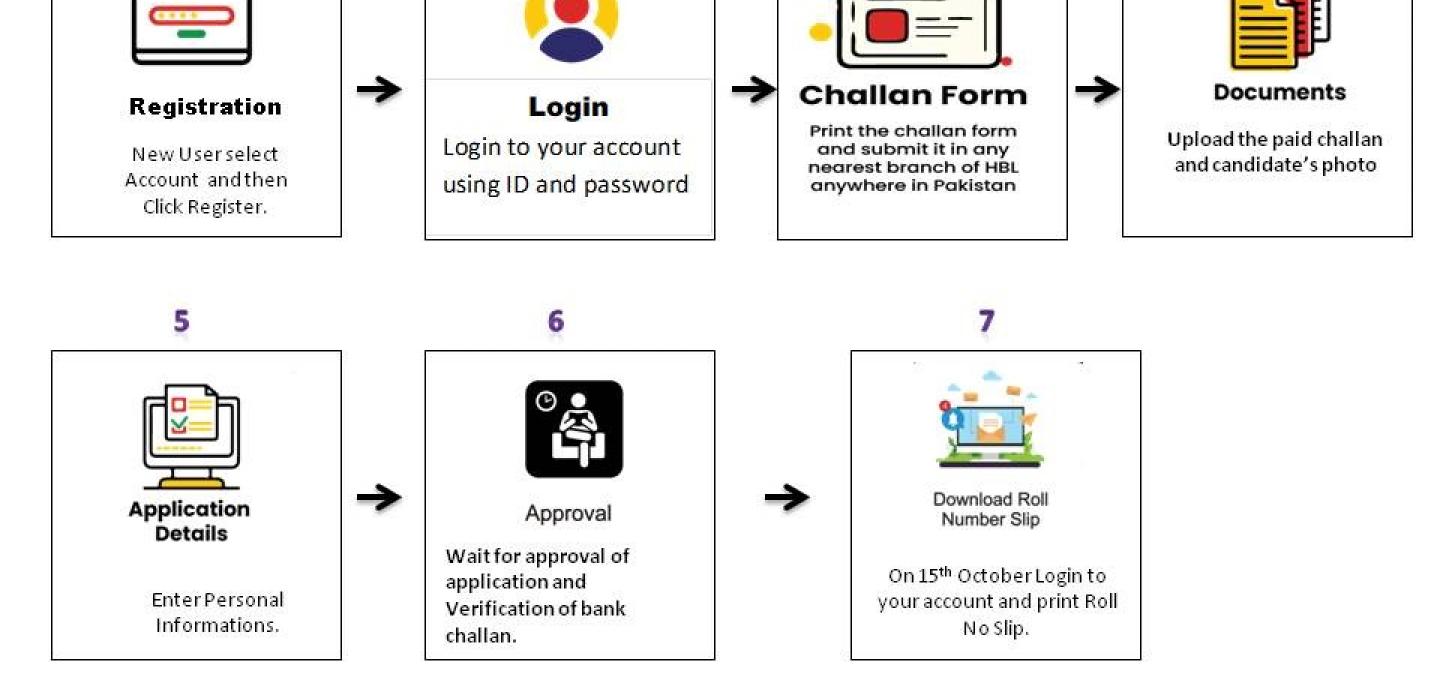
Student Intake Process
Follow these simple steps to complete your admission:
- Open Google Chrome (or any browser) and press Ctrl + Shift + N to open an Incognito or Private window.
- Visit admission.cck.edu.pk.
- Click on Account.
- If you don't have an account, click Register; otherwise, log in with your existing credentials. Be sure to note your ID and password.
- Once logged in, click Apply Now.
- Generate the bank receipt.
- Upload your photo and the paid bank receipt.
- Fill in the required details.
- Save the form if you’re not finished or Submit it if you’re done.
- A week before the written test, log in to your account and print your roll number.